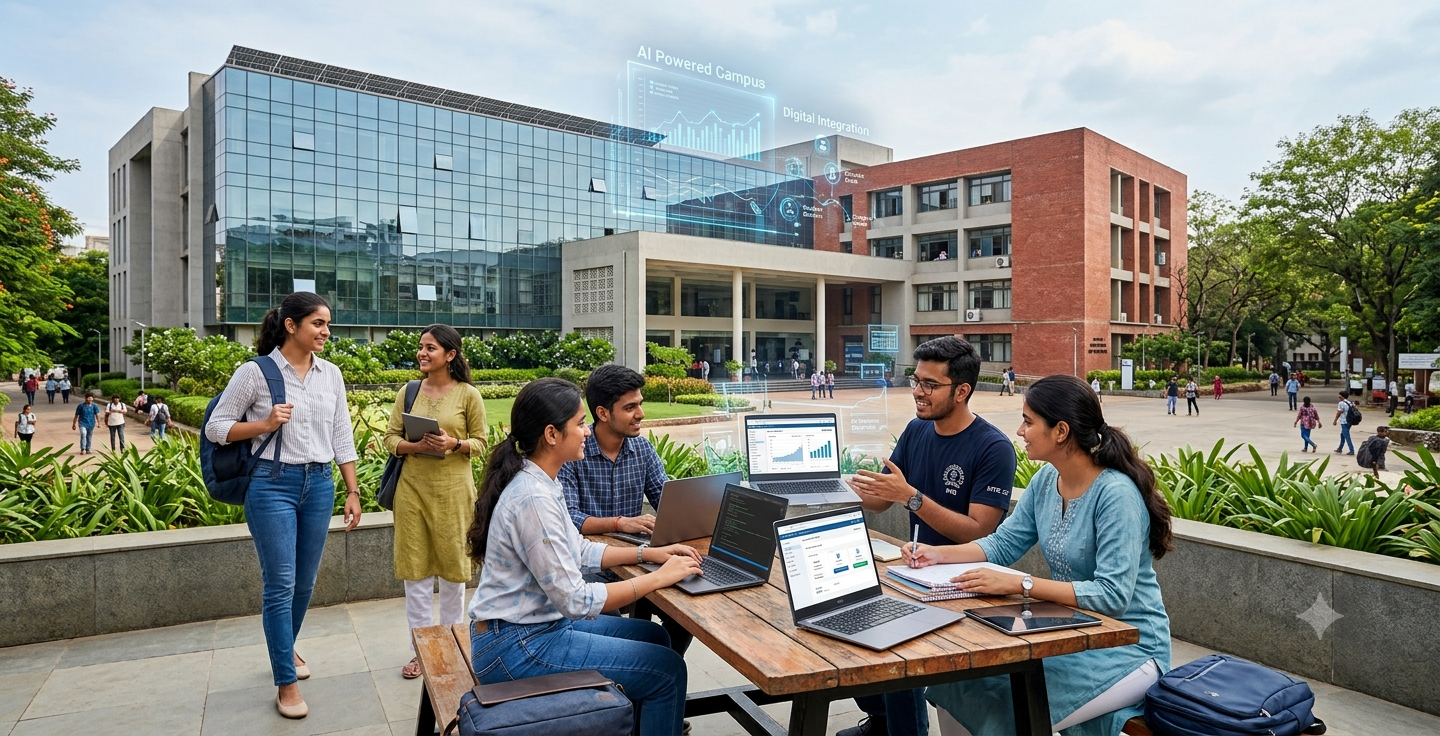

Legacy systems struggle in 2026 because they lack the flexibility and scalability required to handle peak user traffic, modern integrations, and advanced data analytics.
In higher education, the Student Information System (SIS) is the core operational system that manages the entire student lifecycle, from admissions and financial aid to course registration and alumni relations. Historically, universities relied on legacy systems hosted on physical servers within their own campus data centres.
However, today, these legacy systems are increasingly struggling to meet the expectations of modern university operations. During peak operational periods, such as registration or grading deadlines, thousands of concurrent users may access the system. Legacy architectures often struggle to handle these traffic spikes, resulting in system timeouts, slow response times, and a degraded student experience. Furthermore, as universities face increasing pressure to improve student retention, strengthen cybersecurity, and make greater use of data and AI, the limitations of older technology are becoming clearer.
An on-premises SIS is a deployment model where the university purchases, hosts, and maintains the software on its own physical servers within a campus data centre.
A Cloud SIS is a system hosted off-campus on remote servers managed by a third-party vendor and accessed by the university via a web browser on a subscription basis.
Cloud SIS offers superior scalability, lower upfront costs, and vendor-managed maintenance, whereas on-premise SIS requires massive capital investment and heavy manual IT upkeep.
When evaluating these systems, universities need to consider more than just core functionality. Cost, scalability, maintenance, security, and IT resource requirements all influence the long-term value of an SIS.
| Feature/Metric | On-Premise SIS | Cloud-Native SIS |
|---|---|---|
| Cost Structure | Higher upfront investment in hardware, infrastructure, and licences | Recurring subscription/service-based costs |
| Scalability | Requires purchasing additional infrastructure capacity | Greater flexibility to auto-scale resources |
| Maintenance | Managed primarily by internal university IT | Largely managed by the software provider |
| Deployment Time | Requires infrastructure preparation and physical installation | Faster infrastructure provisioning |
| Software Updates | Planned, tested, and managed by the institution | Typically managed and rolled out by the provider |
| Security | Local firewalls and physical campus security | Enterprise-grade encryption and automated threat detection |
| IT Resources | Greater infrastructure management requirements | Reduced infrastructure management burden |
A cloud SIS handles peak registration significantly better because it can automatically scale computing resources up and down based on immediate traffic demands.
With an on-premises SIS, capacity is strictly limited by the physical infrastructure available to the institution. To support peak demand, universities must provision sufficient computing capacity in advance. This results in infrastructure that sits underutilised for much of the academic year.
A cloud SIS provides greater elasticity; depending on the application’s architecture, additional computing resources are automatically provisioned as demand increases, and then reduced when normal usage resumes. In 2026, when students expect digital services to remain perfectly responsive during critical periods, this flexibility is a massive advantage.
Yes, cloud systems are generally more secure because major providers invest billions in enterprise-grade encryption and automated threat detection that individual universities cannot replicate.
Historically, universities preferred the perceived control of on-premises servers. However, maintaining a secure local infrastructure requires ongoing, expensive investments in access controls, security updates, 24/7 monitoring, and physical security.
Cloud providers offer enterprise-grade infrastructure, automated security monitoring, redundancy, and managed services at a massive scale.
Cloud architecture provides the massive, on-demand computing power necessary to run predictive analytics and AI-enabled student success programs at scale.
In 2026, the university SIS is a central source of institutional data that supports analytics, student success initiatives, and AI-enabled decision-making. Universities can use information, such as admissions activity, academic performance, and student engagement, to identify patterns and support early interventions.
A modern cloud environment gives universities access to the massive computing resources and integration capabilities required for advanced analytics, without forcing them to build that infrastructure in their own data centres.
On-premise systems drain IT resources with routine hardware maintenance, while cloud systems free up staff to focus on strategic campus initiatives.
University system administrators manage hardware, replace failed components, apply manual security patches, and troubleshoot infrastructure issues for on-premise setups. Migrating to the cloud SIS shifts much of this underlying infrastructure management to the provider. This allows university IT professionals to focus more on high-value, strategic initiatives, including API integrations, data and analytics, digital student services, process automation, and cybersecurity governance.
On-premises systems require massive upfront capital expenditures (CAPEX), while cloud systems rely on predictable, recurring operational expenditures (OPEX).
An on-premises SIS requires universities to invest heavily upfront in servers, networking equipment, storage, and software licences. The costs extend well beyond hardware; institutions must also account for electricity, physical space, maintenance contracts, upgrades, and the IT resources required to manage the environment.
Cloud systems generally operate on an Operational Expenditure (OPEX) model. Universities pay a recurring subscription fee rather than purchasing and maintaining the underlying infrastructure. This makes expenditure more predictable and reduces the need for periodic hardware investments. A meaningful TCO assessment should evaluate the full lifecycle cost of each option, including implementation, maintenance, security, and internal IT resources.
How is the Return on Investment (ROI) measured for a cloud SIS?
ROI is measured not just in IT savings, but through improved student retention, faster admission cycles, and increased staff productivity.
While TCO focuses on what the system costs, ROI focuses on the value it generates. A cloud SIS delivers strong ROI by automating manual administrative tasks, which allows staff to process admissions faster and capture more enrollments. Furthermore, by providing real-time data analytics, cloud systems allow universities to identify at-risk students early. Even a minor improvement in student retention rates can offset the cost of the software by preserving tuition revenue that would have otherwise been lost.
When is the right time for university leaders to make a decision to upgrade?
The tipping point occurs when maintaining the legacy system costs more in time, missed enrollment targets, and security risks than implementing a new solution.
Leadership should strongly consider a transition if the university is approaching a costly hardware refresh cycle or a major contract renewal for an ageing system. Other critical triggers include an increase in student complaints regarding digital experiences, an inability to integrate modern tools (like advanced Learning Management Systems or AI chatbots), or failing cybersecurity audits. Delaying the decision often compounds these technical debts.
What does the migration and implementation process look like?
A successful cloud migration is a phased process that prioritises data cleansing, stakeholder training, and careful change management over a simple “lift and shift.”
Implementation is rarely instantaneous. It begins with a comprehensive audit of existing data and workflows. Universities must clean their legacy data before migrating it to avoid transferring old errors into a new system. Following configuration and extensive testing, the SIS implementation phase requires dedicated staff training. The most successful universities treat SIS migration not merely as an IT project, but as a campus-wide cultural shift, ensuring that end-users understand how the new system makes their daily jobs easier.
Academia by Serosoft is a purpose-built, cloud-native higher education ERP that unifies the entire student lifecycle and eliminates departmental data silos.
Institutions need a system designed around the complexities of modern higher education. Academia is a comprehensive, cloud-based Higher Education SIS designed specifically for universities and colleges.

For modern universities, relying on ageing, server-heavy infrastructure is no longer a viable long-term strategy. The transition from an on-premise to a cloud-native Student Information System represents a fundamental shift toward institutional agility, security, and student success. While the migration process requires careful planning and change management, the resulting benefits-elimination of registration crashes, predictable OPEX costs, robust data security, and the ability to leverage AI, far outweigh the challenges. By choosing a purpose-built cloud solution like Academia by Serosoft, higher education leaders can confidently secure a scalable, future-proof technology foundation that serves both their staff and their students for decades to come.
No. While the vendor manages the infrastructure and software maintenance, the university retains complete ownership and control over its data. Reputable cloud providers adhere to strict data privacy regulations (such as GDPR or FERPA) and provide robust access management tools.
Implementation timelines vary based on the size of the institution and the complexity of its data. However, a comprehensive migration typically takes anywhere from 6 to 12 months, which includes data cleansing, system configuration, testing, and staff training.
No. A cloud migration changes thefocus of your IT department, not its necessity. Instead of spending time swapping out servers or running manual backups, your IT staff can focus on strategic projects like integrating campus apps, improving cybersecurity policies, and building advanced data analytics dashboards.
Yes. While legacy on-premise systems often required heavy, hard-coded modifications that made upgrading difficult, modern cloud SIS platforms use highly configurable, low-code/no-code environments. This allows administrators to tailor workflows, forms, and reporting to their specific needs without altering the core software.
Modern cloud SIS platforms are built with an “API-first” architecture. This means they are designed specifically to communicate securely and seamlessly with other modern software. Integrating with your Learning Management System (LMS), accounting software, or CRM is generally much smoother and more reliable compared to bridging connections with older legacy systems.

Experience Academia – Your partner in transforming campus operations, a trusted all-in-one ERP/SIS solution.
Get the latest insights, trends, and updates delivered straight to your inbox!